Blurry Vacation Rental Photos? We Make Them Sharp & Booking-Ready.
Blurry, soft photos signal low quality to guests before they read a single word. We sharpen your images by hand and fix what your phone camera missed.
✦ Fix My Photos — No Account Needed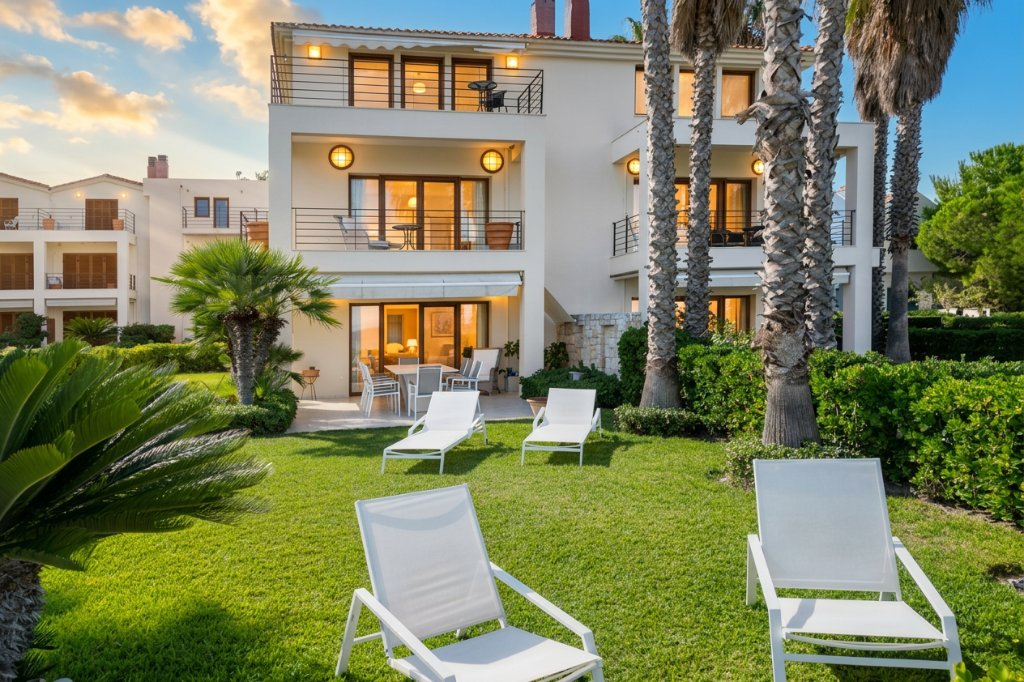
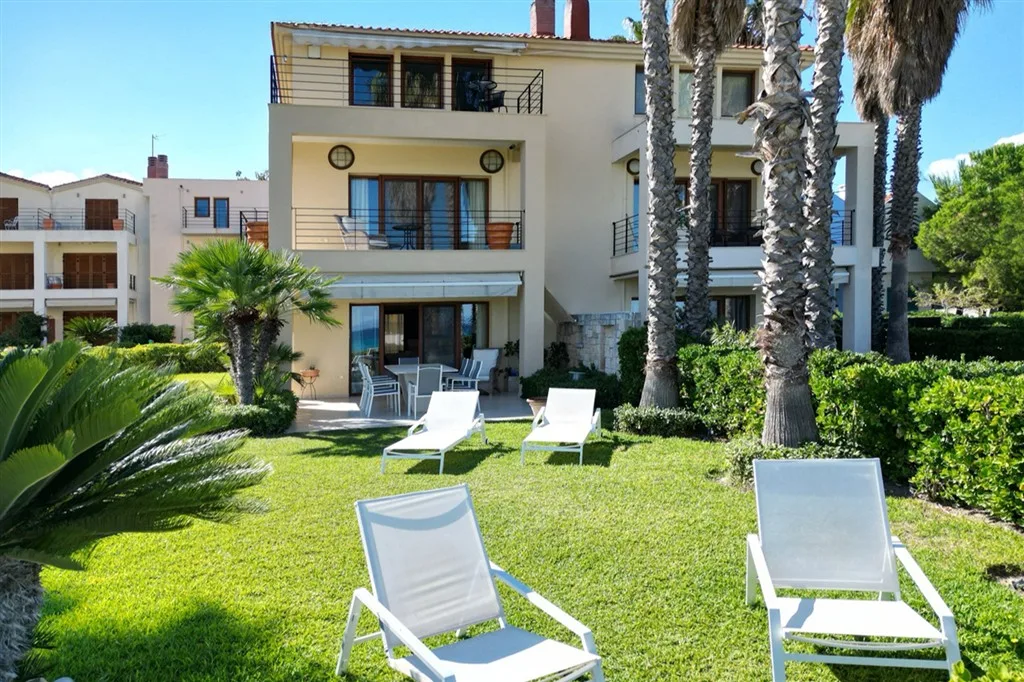 BeforeAfter
Why blurry photos are quietly losing you bookings
Guests make booking decisions in seconds — based almost entirely on photos. A blurry image doesn't just look bad technically. It reads as "this host doesn't care" or "this place looks worse in person." Neither one leads to a booking.
Phone cameras struggle with indoor scenes: low light causes motion blur, autofocus misses at close range, and wide-angle lenses add distortion that makes spaces look cramped and soft at the edges.
The good news: you don't need a new camera or a photographer. A retoucher can recover sharpness, correct lens distortion, and restore fine detail — even from a mediocre phone shot.
Signs your rental photos aren't sharp enough
- Fabric textures on beds and sofas look smeared or undefined
- Edges of furniture look soft instead of crisp
- Tiles, wooden floors or countertops lose their pattern detail
- The whole image looks slightly hazy or low-resolution
- Text in the scene (if any) is unreadable
- Zooming in reveals heavy noise and color smearing
Any of these? Guests see them too — and they move on to the sharper listing.
See the difference for yourself
Free assessment, no account needed.
The difference a sharp photo makes
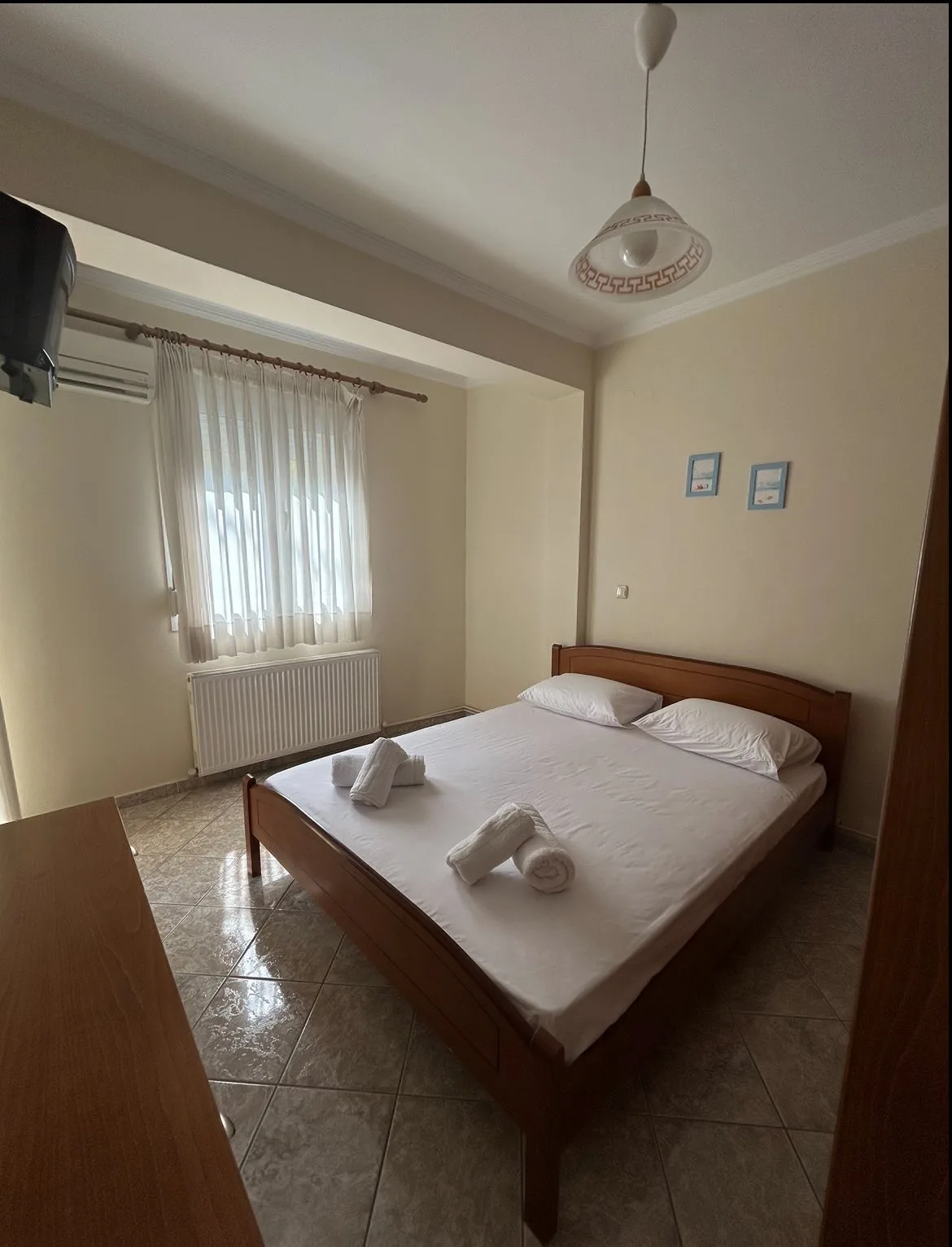
Same rooms, same phone. Detail, sharpness and colour corrected by hand. Hover to see the original.
BeforeAfter
 BeforeAfter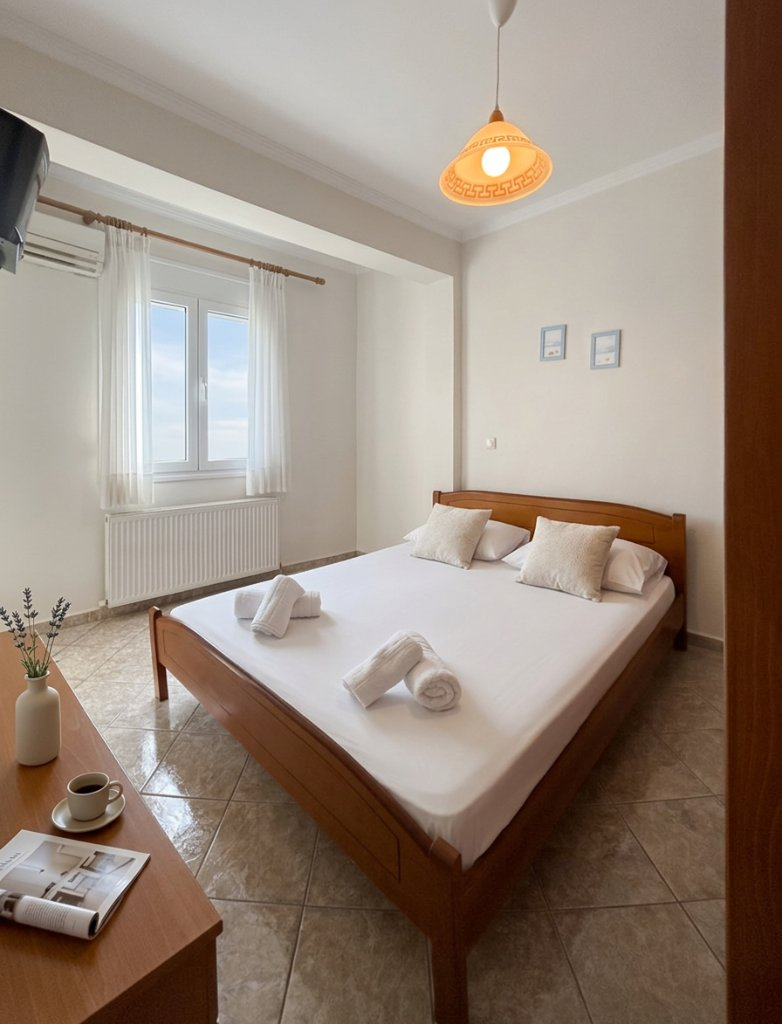
 BeforeAfter
All taken with a phone. No photographer, no editing software, no retakes.
The fastest way to fix blurry vacation rental photos
Send your photos once. Our team does the rest — sharpness, clarity, lighting, and colour, all handled by hand.
Upload
Upload your blurry or soft photo — JPG, PNG or WebP, any size.
We Retouch
Sharpness, detail recovery, noise reduction and full lighting correction — by hand.
Download
Get a crisp, high-quality photo ready for Airbnb, Booking.com, or your own site.
Why do indoor phone photos look blurry — and how to fix it
Indoor blurriness comes from three separate causes — and most editing tools only fix one of them, if any:
Motion blur from low light
Indoors, your camera uses a slower shutter speed to compensate. Any tiny movement — your hands, the curtain — becomes visible. We rebuild sharpness from what the file still holds.
Autofocus missing the subject
Phone cameras often lock focus on the wrong object — the wall instead of the furniture, the window instead of the room. The result is a soft, out-of-focus image that can't be fixed by refocusing after the fact. We sharpen what is there.
Lens distortion at the edges
Wide-angle phone lenses cause soft, distorted edges. Corners of rooms look smeared. We correct the lens profile.
Pro tip: If your photos look sharp on your phone screen but blurry when uploaded, the platform is re-compressing them. Uploading a higher-resolution retouched version reduces compression artifacts significantly.
Frequently asked questions about blurry vacation rental photos
Why do my vacation rental photos look blurry even in daylight?
Daytime blurry photos are usually caused by autofocus misses or lens distortion at the edges — not low light. We correct sharpness and distortion regardless of the cause.
Can a blurry photo actually be fixed, or is it just edge sharpening?
A retoucher does more than pull a sharpening slider — detail is rebuilt from the original pixel data. The result is recovered texture in fabric, wood and tiles, not just sharper edges around objects.
How do I take sharper photos indoors without a professional camera?
Tap to focus on the main subject before shooting, use the volume button instead of tapping the screen (reduces hand movement), and turn on all available lights. We handle the rest — sharpness, colour, exposure.
Is there a free way to check if my Airbnb photos can be fixed?
Yes — send us your photos for a free, no-obligation assessment. Unlike basic sharpening tools, our retouching corrects blurriness alongside lighting, colour and perspective in one step.
Will fixing photo sharpness actually improve my booking rate?
Sharper photos signal quality and attention to detail — both attributes guests associate with a well-maintained property. Combined with lighting correction, our users report 35% higher booking rates on average.
How blurry is too blurry to fix?
If the subject is completely unrecognisable — extreme camera shake or severe out-of-focus — a reshoot is faster. For anything where you can still make out the room, we can recover usable sharpness.
Other photo problems we can fix
Photos not just blurry? Here are the other issues that cost vacation rental hosts bookings.
Photos too dark?
We restore brightness and correct the colour cast from artificial lighting.
Fix dark photos →Room looks too small?
Perspective correction and lighting make spaces feel open and inviting.
Make it look bigger →Not sure what needs fixing?
Free assessment, no account needed — then professional retouching.
Get a free assessment →Want us to review your actual listing photos?
Get a Listing Photo Audit and we will show you exactly which dark, blurry or weak images may be reducing bookings.
Sharp photos. More bookings. Starting now.
Every blurry photo in your listing is costing you clicks. Send them for a free assessment, then professional retouching.
✦ Fix My Blurry Photos NowNo photographer · No account needed · Free assessment first