Dark Airbnb Photos? Here's How to Fix Them Professionally.
Dark, dull photos are the #1 reason Airbnb listings get skipped. Guests choose bright, warm rooms — and they decide in 3 seconds.
✦ Fix My Dark Photos — No Account Needed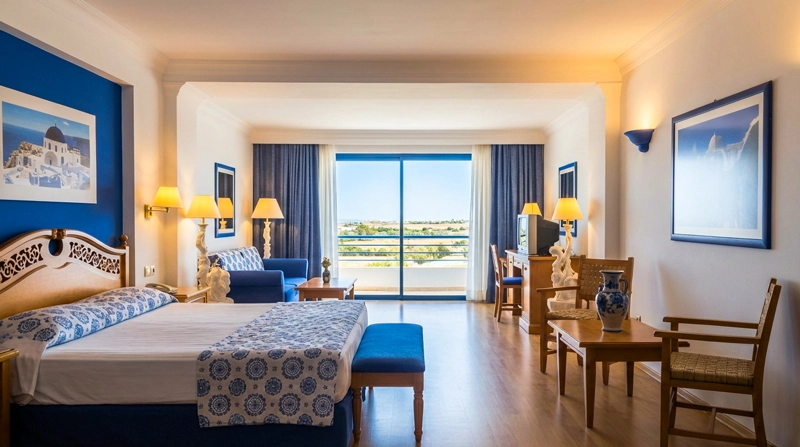
 BeforeAfter
Why dark photos are silently killing your bookings
When guests scroll through Airbnb, they don't read listings — they react to images. A dark photo registers as "small", "cold", or "cheap" in under a second. No matter how accurate it is, it loses to the brighter listing next to it.
This isn't about taste. It's about how human perception works. Brightness signals cleanliness, space, and value. Dark signals the opposite — and guests won't take the risk.
The problem is almost never your apartment. It's the phone camera — which consistently underexposes indoor scenes, adds yellow cast from artificial light, and fails at window brightness.
Signs your Airbnb photos are too dark
Dark photos don't always look obviously bad. Often they just feel… off. Here's what to look for:
- Windows look blown-out white while the room looks dark
- Walls that look grey or yellow instead of white
- Furniture that loses texture and looks flat
- The room looks smaller than it actually is
- No warmth or "I want to be there" feeling
- Shadows on the floor or ceiling cutting the space in half
If any of these sound familiar — your photos are losing you bookings every single day they're live.
See the difference for yourself
Free assessment, no account needed.
What a fixed photo actually looks like
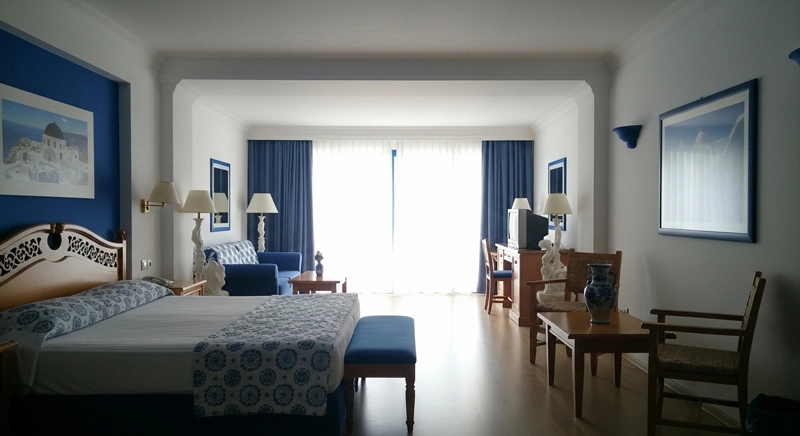
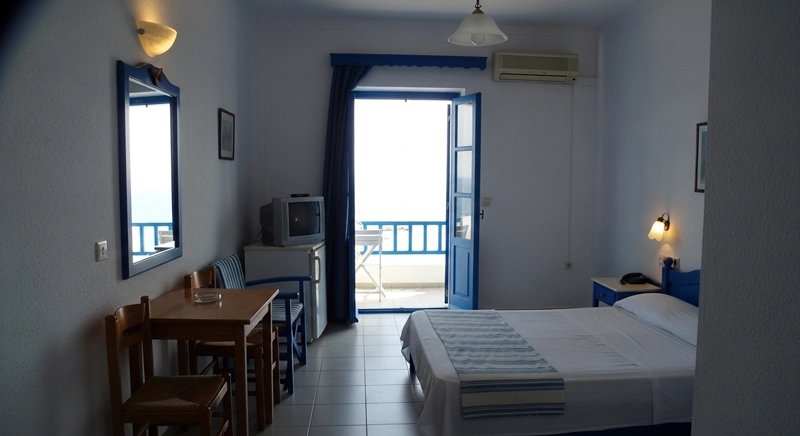
These were dark, dull phone shots. After retouching: bright, warm and booking-ready. Hover to see the original.
BeforeAfter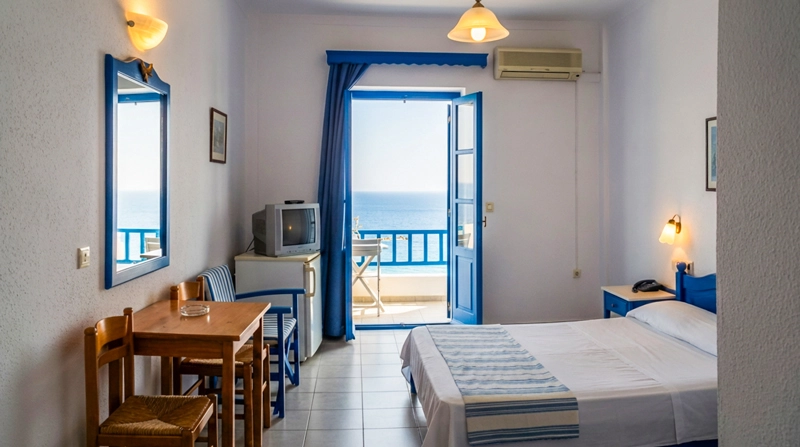
 BeforeAfter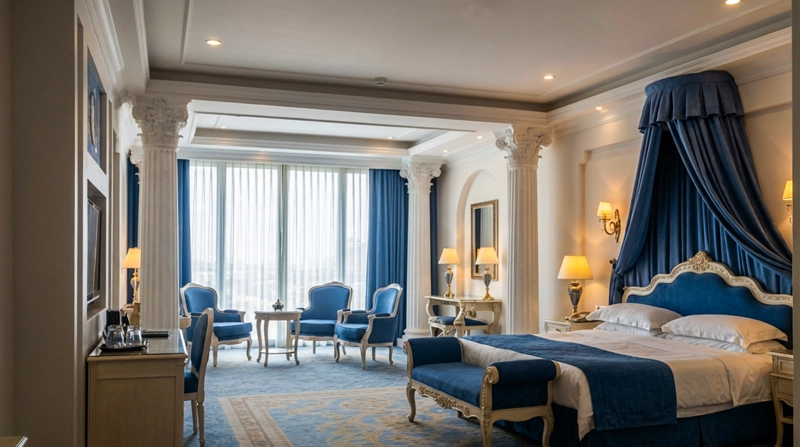
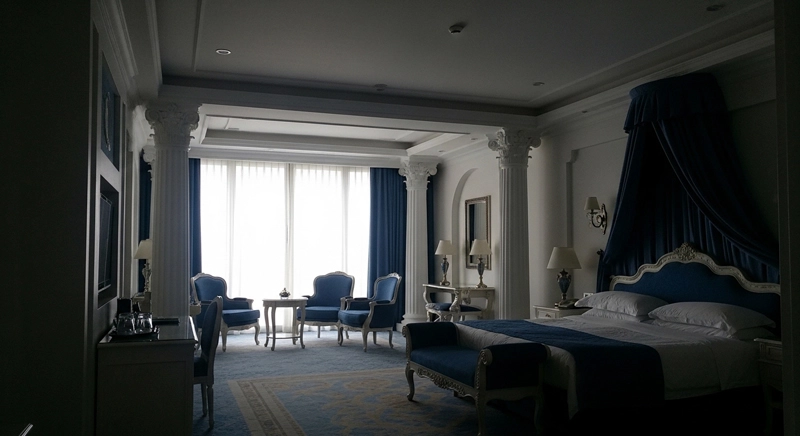 BeforeAfter
All taken with a phone. No photographer, no lighting equipment, no editing skills required.
How to fix dark Airbnb photos without editing skills
You don't need Lightroom, a photography course, or a new camera. Here's the fastest path from dark to booking-ready:
Check the photo is salvageable
If you can make out furniture, walls and windows — the shot is fixable. If everything is pitch black, a reshoot is faster.
Skip the brightness slider
Lifting brightness in iOS Photos or Google Photos blows out highlights and makes images look washed out. Our retouchers know where to add light — and where not to.
Send us your photos
Send your JPG or PNG. Our team reads the scene and applies the right correction for an indoor hospitality photo, by hand.
Download and update your listing
The result is a balanced, bright version of your original shot. No reshooting, no equipment, no editing skills.
Pro tip: If your photos have all lights on but still look dark, the issue is almost always white balance — the camera compensates for artificial light and fails. We correct this as part of every retouch.
Can you fix dark Airbnb photos yourself?
You can try. But here's what most hosts run into:
- Brightness sliders make the image look washed out, not bright
- Yellow color cast from artificial lighting is hard to fix manually
- Window highlights blow out even more when you lift shadows
- Lightroom and Photoshop have steep learning curves
- Results look inconsistent across different rooms
Fixing dark photos properly requires balancing exposure, color temperature, highlight recovery, and shadow detail — all at once, for every room. That's exactly what our retouchers do for every photo.
The fastest way to fix dark Airbnb photos
No need to reshoot. No photographer. Just send your existing photos and let our team do the retouching for you.
Upload
Upload your dark or dull photo — phone shots, JPG, PNG all work.
We Fix It
Exposure, white balance, window recovery, warmth — retouched by hand.
Download
Get a bright, professional-quality photo ready for your listing.
Professional Photographer
€200 – €400
per shoot · scheduling required
Professional Retouching
from €1.25
per photo · free assessment first
Frequently asked questions about dark Airbnb photos
Why are my Airbnb photos so dark even with all lights on?
Phone cameras use automatic exposure and struggle to balance bright windows with darker indoor areas. The result is usually an underexposed room with blown-out windows. We correct both in one pass — recovering window detail and lifting indoor brightness simultaneously.
Can I fix dark photos without retaking them?
Yes — as long as the photo has enough detail in the darker areas. Most indoor phone shots do. We work from the original pixel data and rebuild the correct exposure, so you rarely need to reshoot.
Will brighter Airbnb photos actually get me more bookings?
Studies of vacation rental platforms consistently show that listings with bright, professional-looking photos receive significantly more clicks. Our users report an average of 40% more listing clicks after enhancing their photos.
Is there a free way to check if my photos can be brightened?
Yes — send us your photos for a free, no-obligation assessment. Unlike manual tools (iOS Photos, Snapseed), our retouching balances exposure, white balance and highlight recovery together, so results look natural rather than washed out.
How long does retouching take?
Usually a few business days, depending on volume. We confirm a timeframe with your free assessment.
Does retouching look fake or unnatural?
Not when done correctly. We work only on hospitality interiors — we know what a natural, well-lit room looks like and correct toward that, rather than adding filters or effects.
How much does it cost to fix dark Airbnb photos?
The assessment is free. Retouching starts from €1.25 per photo, tiered by volume — a professional photographer charges €200–€400 for the same outcome.
Other photo problems we can fix
Photos not just dark? Here are the other common problems that cost Airbnb hosts bookings.
Blurry or soft photos?
We sharpen and recover detail from any phone shot.
Fix blurry photos →Room looks too small?
Perspective correction and lighting make spaces feel open.
Make it look bigger →Not sure what needs fixing?
Free assessment, no account needed — then professional retouching.
Get a free assessment →Want us to review your actual listing photos?
Get a Listing Photo Audit and find out which dark or low-impact images may be costing you bookings.
Stop losing bookings to dark photos
Every day your dark photos are live, guests are choosing the brighter listing next to yours. Send it now for a free assessment, no account needed.
✦ Fix My Dark Photos NowNo photographer · No editing skills · Free assessment first