Small Room? Make It Look Bigger, Brighter & More Inviting in Photos.
Guests won't book a room that looks cramped — even if it's perfectly comfortable in person. We correct perspective, open up the space, and add the warmth that makes guests say "I want to stay there."
✦ Open Up My Space — No Account Needed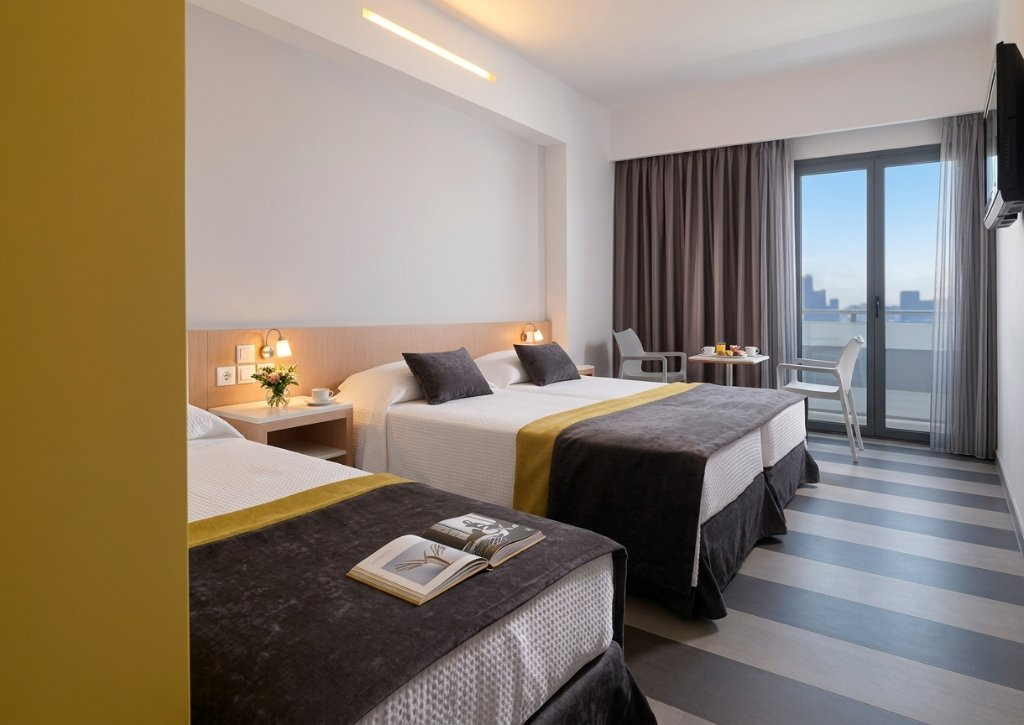
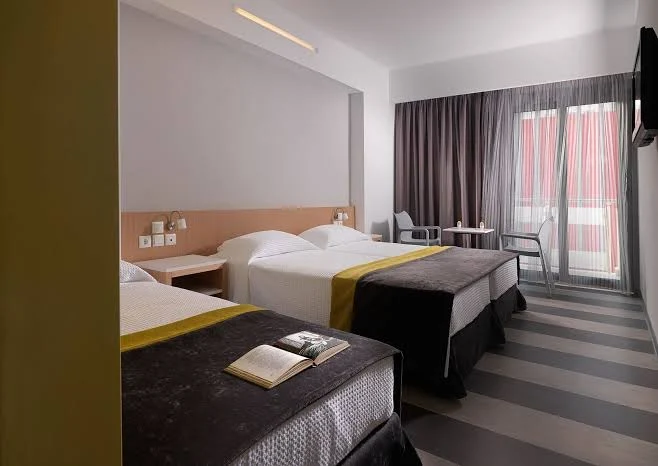 BeforeAfter
Why your room looks smaller in photos than in real life
It's not your apartment — it's physics. Phone cameras have a narrow field of view and struggle with low indoor light. The result: walls appear to close in, ceilings look lower, and spaces that feel comfortable in person look claustrophobic on screen.
Add to that dark corners, converging vertical lines from phone tilt, and yellow artificial lighting — and even a genuinely nice room can look like a storage closet in a photo.
The fix isn't redecorating or getting a wide-angle lens. It's correcting the distortion, straightening the lines, and lifting the light — exactly what our retouchers do for every photo.
Signs your room photos look smaller than reality
- Walls appear to lean inward (converging vertical lines)
- The ceiling looks low even though it isn't
- Dark corners make the room feel closed off
- Furniture looks oversized and space-filling
- The room feels heavy and unwelcoming
- Windows are blown out, removing the sense of outdoor space
Guests comparing listings will always choose the one that feels more open — even if your space is actually larger.
See the difference for yourself
Free assessment, no account needed.
Same room — completely different feel
We correct perspective, open shadows and balance light to make every room feel spacious. Hover to see the original.
BeforeAfter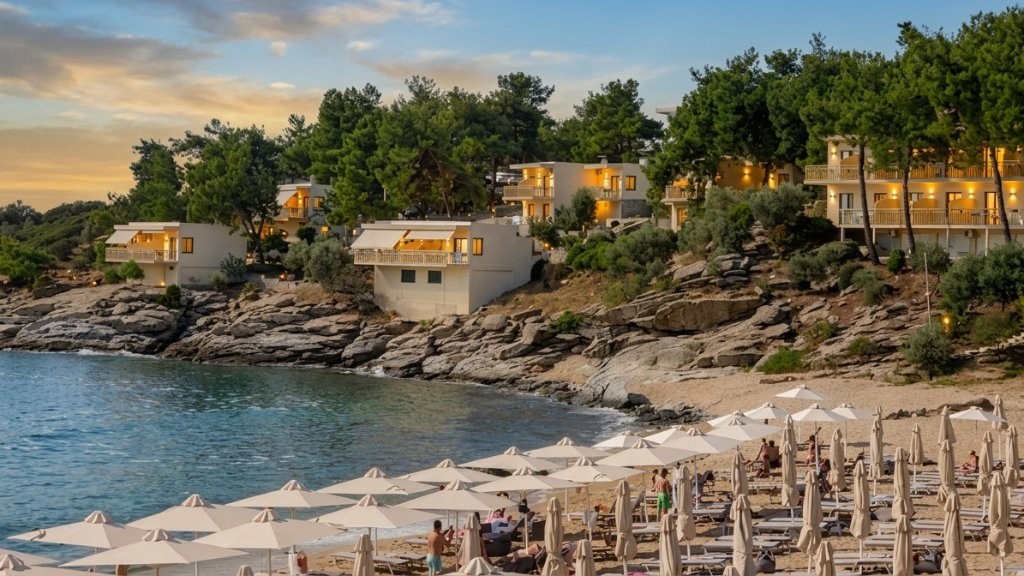
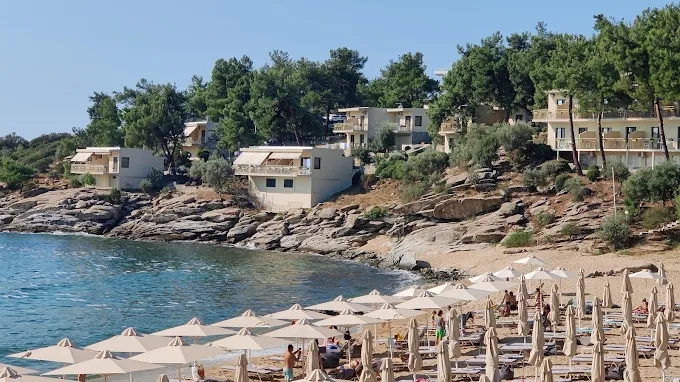 BeforeAfter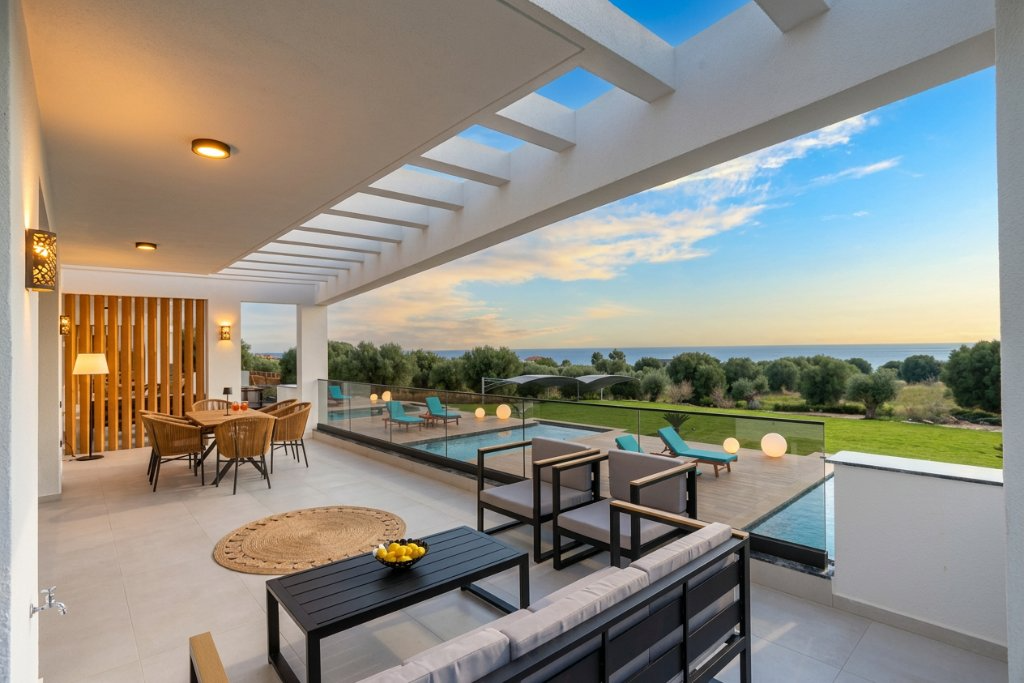
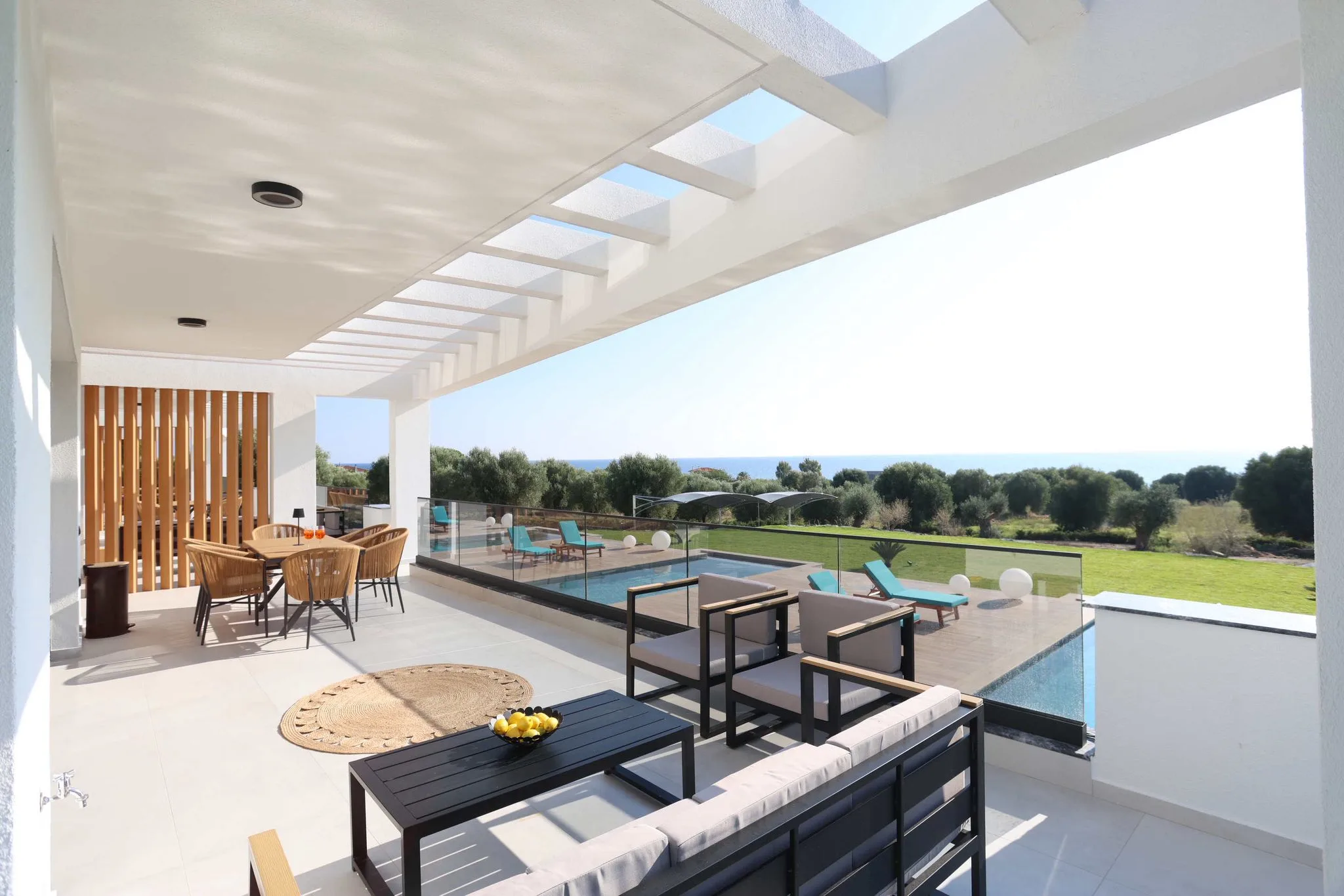 BeforeAfter
No wide-angle lens. No photographer. Just send your photos and get them back retouched.
How to make your room look bigger — without redecorating
No wide-angle lens, no professional photographer, no editing courses. Just upload your existing photo.
Upload
Any phone photo of your room — JPG or WebP. No special equipment needed.
We Correct
Perspective straightened, shadows lifted, lighting balanced. Space looks open and inviting.
Download
A spacious, professional photo ready for your listing.
How to photograph a small Airbnb room — without a wide-angle lens
Most advice says "use a wide-angle lens." But wide-angle lenses introduce distortion that makes rooms look warped — especially walls and ceilings. Here's what actually works:
Shoot from the corner, not the door
Standing in a corner of the room includes two walls and gives the maximum sense of depth. Shooting from the doorway compresses the space into a flat rectangle.
Shoot at waist height, not eye height
Eye-level shots cut the room in half vertically. A waist-high shot shows more floor (signals space) and more ceiling (signals height).
Turn on every light source
Dark corners make rooms feel enclosed. Every lamp, ceiling light and bedside light on at once — even during the day — fills in shadows and adds perceived volume.
We fix the rest
Perspective distortion, converging verticals and uneven lighting are corrected by hand. No wide-angle lens, no tripod, no editing software on your side.
Pro tip: Remove one or two pieces of furniture before shooting — even temporarily. An empty corner reads as "spacious." Put them back after. Retouching can help with clutter but can't invent physical space.
Frequently asked questions about small room Airbnb photos
Can retouching actually make a room look bigger in photos?
We correct the camera distortions that make rooms look smaller — converging verticals, uneven lighting, dark corners. The room still looks like itself, just accurately represented rather than compressed by camera physics.
Do I need a wide-angle lens for small room photos?
No. Wide-angle lenses often make things worse by creating barrel distortion at the edges. We correct perspective from a standard phone camera shot and give you the same sense of space without the distortion.
Will guests feel misled if the room looks bigger in photos than in person?
No — the goal isn't to make rooms look bigger than they are, but to show them accurately. Phone cameras systematically underrepresent indoor spaces. We correct that compression so guests see what's actually there.
What's the best angle to photograph a small bedroom for Airbnb?
Shoot from a corner, at waist height, with all lights on. This maximises the visible floor area and ceiling height. We correct any remaining perspective issues.
How do I photograph a studio apartment for Airbnb?
Shoot each zone separately (sleeping, living, kitchen) rather than trying to capture everything in one wide shot. We then fix the perspective and lighting for each photo individually.
Does room size actually affect Airbnb bookings?
How rooms look in photos matters more than actual size. A 20m² room photographed well consistently outperforms a 35m² room photographed poorly on click-through rates.
Other photo problems we can fix
Small room not your only issue? Here are the other problems that cost hosts bookings.
Photos too dark?
We restore brightness and correct the colour cast from artificial lighting.
Fix dark photos →Blurry or soft photos?
We sharpen and recover detail from any phone shot.
Fix blurry photos →Not sure what needs fixing?
Free assessment, no account needed — then professional retouching.
Get a free assessment →Want us to review your actual listing photos?
Get a Listing Photo Audit and learn which images are working against you.
Make your space look as good as it actually is
Your room deserves photos that do it justice. Fix perspective, open up the space, and start converting more visitors into bookings.
✦ Fix My Room Photos — No Account NeededNo photographer · No wide-angle lens · No account needed